How I Escaped $300/Month Vendor Lock-In Using Claude Code: A Two-Hour Migration Story
Contentful's free tier ran out. I migrated 200 articles to self-hosted PostgreSQL in two hours with Claude Code. Here's the full playbook.
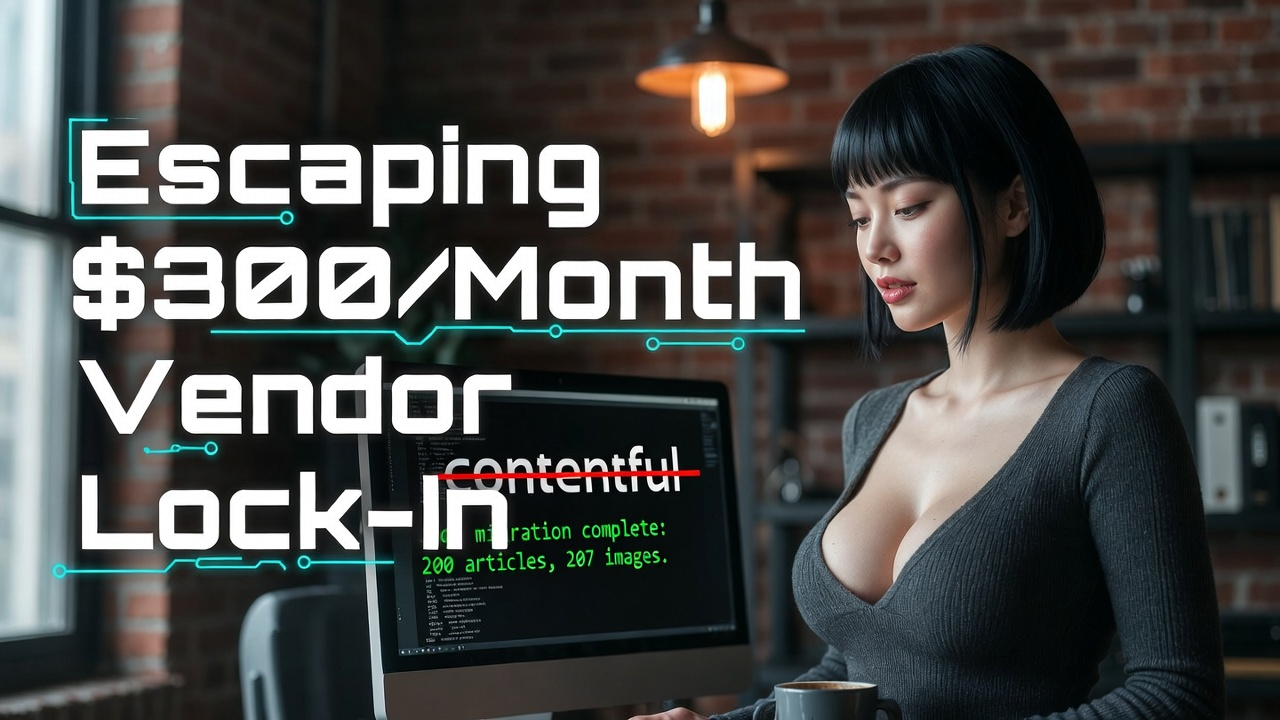
Meanwhile, PostgreSQL is already running on your server for other features. Zero marginal cost. The database you're already paying for can do everything the CMS does, minus the monthly invoice.

The Fundamentals of Training an LLM: A Python & PyTorch Guide
Build a GPT-style transformer from scratch in Python. Learn how LLMs actually work through hands-on code. No ML experience required.
Learn MoreI migrated my entire blog off Contentful to self-hosted PostgreSQL in a single session using Claude Code. Roughly two hours, start to finish. Here's how it went.
The Setup
Grizzly Peak Software runs on Node.js and Express with EJS templates and Bootstrap. When I originally built the site, I chose Contentful as a headless CMS because it's a solid product and the free tier was generous: 100,000 API calls per month, which felt like more than enough for a technical blog.
It was enough. Until it wasn't.
Traffic grew from multiple sources: social referrals, search engine crawlers indexing more pages, and bot traffic that spiked unpredictably. The combination pushed API usage toward the free tier ceiling. Contentful's next tier is $300/month. That's $3,600/year to serve content that would cost essentially nothing from a database I'm already running.
The math stopped making sense. And more than the cost, I didn't want to live with the risk of another traffic spike taking the blog offline because I hit an API limit.
The Plan
I created a Feature in Azure DevOps with nine User Stories organized across four phases: schema and migration, route swap, admin UI, and cleanup. Having a structured plan mattered because this wasn't a greenfield build. I was replacing a critical dependency in a production site, and I needed to verify that every URL, every image, every piece of content survived the migration intact.
Phase 1: The Foundation (20 Minutes)
The first phase was the database schema and migration script.
The schema mirrors Contentful's data model: a blog_posts table with title, slug, body (markdown), meta description, category, cover image, publish date, and view count. A separate blog_images table for media assets. Nothing exotic. The schema design took about five minutes because the shape of the data was already defined by Contentful's content model.
The migration script was the critical piece. It pulled all 200 articles from Contentful's API, transformed them to match the new schema, and inserted them into PostgreSQL. It also downloaded all 207 images from Contentful's CDN and stored them locally.
Two design decisions mattered here:
The script was idempotent. I could run it repeatedly without creating duplicates. This let me test the migration, inspect the results, fix issues, and re-run until everything was clean. If you're writing migration scripts and they aren't idempotent, you're making your life harder than it needs to be.
Slug verification. Every article's slug was preserved exactly as it existed in Contentful. This was non-negotiable. Slugs are in URLs, in social media posts, in search engine indexes, in bookmarks. A single changed slug means a broken link somewhere. The migration script verified every slug after insertion and flagged any mismatches.
Claude Code handled the implementation. I described the schema, the migration requirements, and the constraints. It wrote the migration script, the data access layer (blogModel.js), and the database initialization. I reviewed, tested, and iterated.
Phase 2: The Swap (30 Minutes)
This phase replaced the Contentful API calls in routes/articles.js with PostgreSQL queries. The routes stayed the same. The templates stayed the same. Only the data source changed.
The key insight that saved hours of work: I reshaped the PostgreSQL query results to match Contentful's response format. Contentful returns data in a specific structure: fields.title, fields.body, sys.id, sys.createdAt. Instead of rewriting every template to use a new data shape, I formatted the database results to match the old shape.
// Instead of rewriting templates:
// OLD: article.fields.title
// NEW: article.title  ← requires changing every template

// I reshaped the data to match the old format:
function formatAsContentful(dbRow) {
  return {
    fields: {
      title: dbRow.title,
      body: dbRow.body,
      slug: dbRow.slug,
      metaDescription: dbRow.meta_description
    },
    sys: {
      id: dbRow.id,
      createdAt: dbRow.created_at
    }
  };
}
Zero client-side JavaScript changes. Zero template changes. The frontend had no idea the backend had been completely rewired. This is the approach I'd recommend for any CMS migration: adapt the new data source to the old interface, ship it, verify it works, and then refactor the interface later if you want to. Don't try to change the data source and the data shape at the same time.
Phase 3: The Admin UI (20 Minutes)
With Contentful gone, I needed a way to create and edit articles. I built a blog admin interface at /articles/admin with a markdown editor, live preview, image upload, and category management.
This went fast because I already had admin patterns established in the codebase. The ads admin and jobs admin both follow the same structure: a list view, a create/edit form, server-side validation, and standard CRUD routes. Claude Code built the blog admin by following those existing patterns. Same layout, same navigation, same form handling conventions.
If you maintain consistent patterns in your codebase, migrations and new features build themselves. The AI coding assistant doesn't need detailed instructions when the codebase already demonstrates the pattern. "Build a blog admin following the same pattern as the ads admin" is a complete specification.
Phase 4: Cutting the Cord (15 Minutes)
The final phase was removing every trace of Contentful from the codebase:
Image migration. 95 inline images referenced in article markdown were still pointing to Contentful's CDN. The migration script downloaded each one, stored it locally, and updated the markdown references. After this, zero external dependencies for content delivery.
Package removal. Uninstalled the Contentful npm package. Deleted the Contentful client utility and the API response cache. Removed the API keys from environment variables. Ran a search for "contentful" across the entire codebase to confirm zero remaining references.
Clean cuts are important. Leaving dead dependencies in your codebase creates confusion six months later when someone (possibly you) wonders whether that unused package is actually unused or just looks unused.
The Video Gotcha
One issue surfaced after the migration that I didn't anticipate. Some articles contained inline videos that had been hosted on Contentful's CDN. When the URLs were migrated to local storage, the files lost their .mp4 extension. The site's video detection logic used a regex that matched file extensions to determine whether to render a <video> tag or an <img> tag. No extension, no video tag.
The fix: query the file's MIME type at render time instead of relying on the file extension. This is more robust anyway. File extensions are hints, not guarantees. MIME types are definitive.
Small issue, fifteen-minute fix, but it's the kind of thing that only surfaces in production with real content. This is why you verify every piece of migrated content, not just spot-check a few articles.
What I Gained Beyond Cost Savings
The $3,600/year savings is the obvious win. But the migration delivered more than that:
No API limits. My own database doesn't rate-limit me. Bot attack? Doesn't matter. Traffic spike? Doesn't matter. The content serves from the same infrastructure as the rest of the site.
View count tracking. Something Contentful couldn't do without a separate analytics integration. Now every article read increments a counter in the database. Simple, accurate, no third-party dependency.
Full content control. I can query my content however I want. Related articles by category, articles by date range, full-text search, custom sorting: all just SQL queries now, not API calls with someone else's query language.
A self-hosted admin UI. No more logging into Contentful's dashboard to manage content. Everything is in one place, on my infrastructure, following my patterns.
Foundation for a media library. The image migration created a local asset management system that I can extend into a proper media library. That wouldn't have been practical while images lived on Contentful's CDN.
The $300/month I'm not paying Contentful roughly covers the AI tools that built the migration. The savings fund the productivity gains. That's a cycle I'm happy to be in.
Takeaways
Know when to migrate vs. when to pay. If the paid tier gives you capabilities you can't build yourself, pay for it. If the paid tier gives you the same thing your existing infrastructure already does, migrate. Contentful is excellent software. I just didn't need it anymore.
Write idempotent migration scripts. You will run the migration more than once. Design for it.
Reshape data to match existing interfaces. Don't change the data source and the data shape simultaneously. Match the old interface, ship, verify, then refactor if needed.
Use your codebase's existing patterns as blueprints. If you have an admin UI for one feature, building an admin UI for another feature is mostly pattern-matching. AI coding assistants are exceptionally good at this.
Cut clean. When you remove a dependency, remove all of it. Every reference, every config value, every unused import. Future you will thank you.
Verify everything. Not a sample. Everything. Every slug, every image, every inline video. The gotchas are always in the content you didn't check.