gws CLI: Wire Google Workspace Into Claude Code (The Honest Setup Guide)
Google's Workspace CLI hit v0.22 fast. Here's how to actually set it up, what changed with MCP, and where it fits in a real agentic stack.
I built an agentic content pipeline this winter that reads article drafts from Google Drive, runs them through a processing stage, and pushes them to a CMS. The whole workflow works in Claude Code. I didn't write a single line of custom OAuth code.
The piece that made it possible: gws, the Google Workspace CLI. Google shipped it in early March 2026, it's already at v0.22, and the ecosystem around it has moved fast enough that the setup story is substantially different from what you'll read in coverage from a month ago. Including my own earlier article.
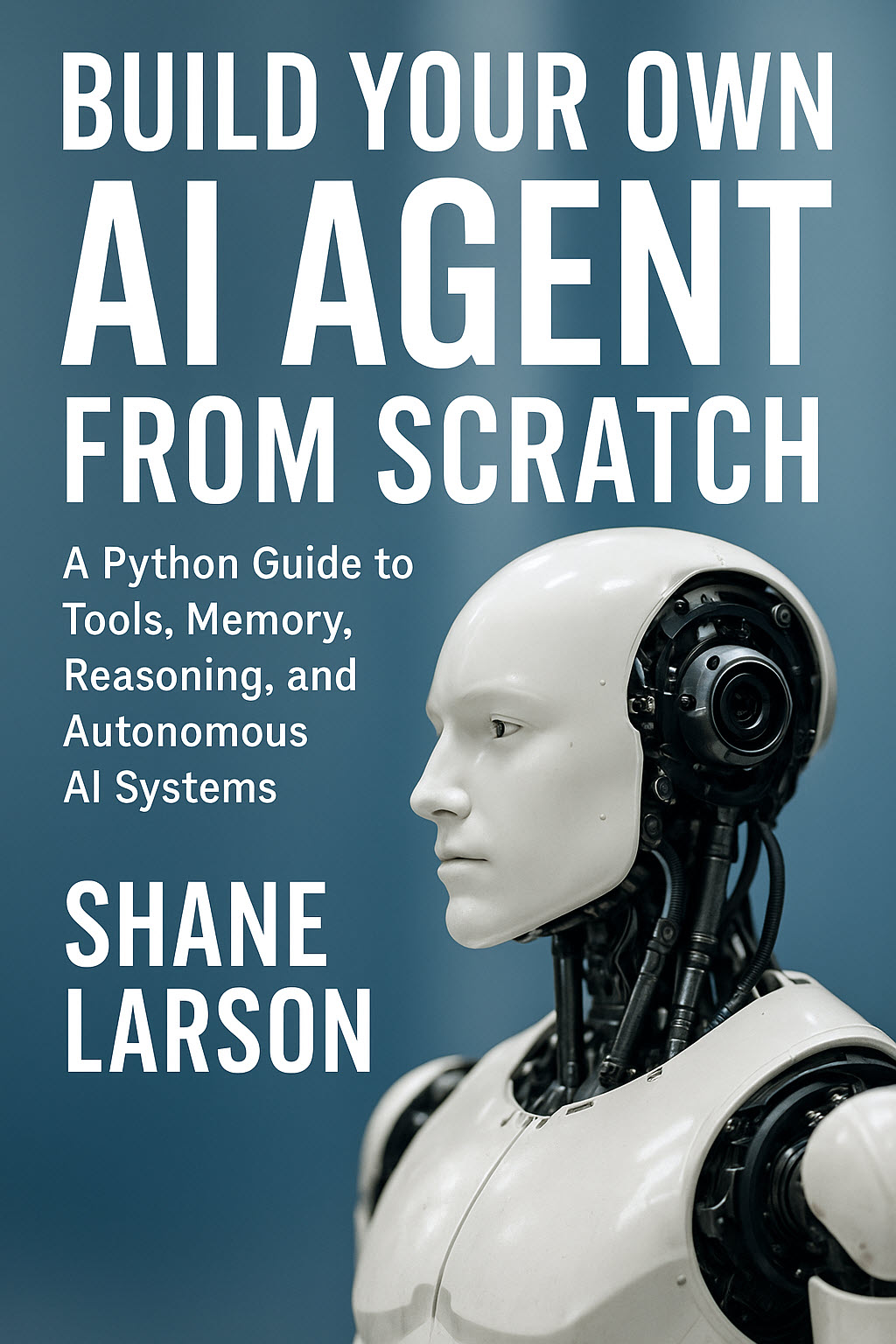
Build Your Own AI Agent From Scratch
Build a complete AI agent from scratch in Python — no frameworks, no hype. 16 chapters covering tools, memory, reasoning, MCP, multi-agent systems & more.
Learn MoreHere's the current picture: what works, what changed, and how to wire it into an actual agentic workflow.
What gws Is (And Why the Architecture Matters)
Most CLIs ship a compiled list of commands. gws doesn't do that. It reads Google's own Discovery Service at runtime and builds its entire command surface from the returned JSON schema. When Google adds a new API endpoint, gws picks it up automatically. No package update, no stale command list.
Written in Rust, distributed through npm, every response comes back as structured JSON. That last part is the reason it integrates cleanly with agent workflows. Your LLM doesn't have to parse human-readable output. It gets clean, predictable data structures it can reason about directly.
It covers Drive, Gmail, Calendar, Sheets, Docs, Slides, Chat, Tasks, Admin, and more. One install. One auth flow. One command surface for all of it.
npm install -g @googleworkspace/cli
That said: "one install" does not mean "zero friction." Let me be specific about what you're actually getting into.
The Setup: What the README Doesn't Fully Warn You About
Setup involves three moving parts: a Google Cloud project, OAuth credentials, and API enablement. None of them are hard, but together they take time, and the order matters.
Step 1: Create a Google Cloud Project and OAuth Credentials
Go to console.cloud.google.com/apis/credentials. Create a new project if you don't have one. Under Credentials, create an OAuth 2.0 Client ID, select Desktop app, and download the JSON file.
The README mentions a gws auth setup command that automates GCP project creation via gcloud. On Windows, this path is broken. Rust binaries don't resolve .cmd wrapper executables the same way the shell does, and gcloud on Windows ships as gcloud.cmd. Skip gws auth setup on Windows entirely. Go straight to the Cloud Console.
Step 2: Authenticate
The cleanest path is environment variables. They work reliably across platforms:
# Windows CMD
set GOOGLE_WORKSPACE_CLI_CLIENT_ID=your-client-id
set GOOGLE_WORKSPACE_CLI_CLIENT_SECRET=your-client-secret

# Linux/macOS
export GOOGLE_WORKSPACE_CLI_CLIENT_ID=your-client-id
export GOOGLE_WORKSPACE_CLI_CLIENT_SECRET=your-client-secret
Then run:
gws auth login
This opens an interactive scope selector. Select the services you need, complete the browser OAuth flow, and you'll get credentials encrypted at rest with AES-256-GCM stored in your OS keyring. That's a solid detail for a tool handling OAuth tokens.
Step 3: Enable APIs One by One
When you first hit any service, you'll get a 403 with an accessNotConfigured error. The good news: gws prints the exact URL to fix it:
💡 API not enabled for your GCP project.
   Enable it at: https://console.developers.google.com/apis/api/drive.googleapis.com/overview?project=...
   After enabling, wait a few seconds and retry your command.
Click the link, hit Enable, wait 30 seconds, retry. You'll do this once per service. Expect 5-6 of these on first run if you're enabling Drive, Gmail, Calendar, Sheets, and Docs.
Realistic time estimate: 20-30 minutes of GCP console work on first run. After that, it just works.
Using gws at the Terminal
Once authenticated, the CLI is clean and consistent. A few commands worth knowing:
# List recent Drive files
gws drive files list --params '{"pageSize": 10}'

# Stream all results (handles pagination automatically)
gws drive files list --params '{"pageSize": 100}' --page-all | jq -r '.files[].name'

# Inspect any method's schema before you call it
gws schema drive.files.list

# Create a spreadsheet
gws sheets spreadsheets create --json '{"properties": {"title": "Q1 Budget"}}'

# Preview a Chat message before sending
gws chat spaces messages create \
  --params '{"parent": "spaces/xyz"}' \
  --json '{"text": "Deploy complete."}' \
  --dry-run
Windows-specific note: JSON params that work with single quotes on bash require escaped double quotes on Windows CMD:
gws drive files list --params "{\"pageSize\": 5}"
The --dry-run flag is worth calling out. It shows you exactly what HTTP request would be sent before anything hits a production API. Useful when you're building automations against real data.
MCP Integration: What Changed in v0.8
This is where I need to correct my earlier coverage.
The original gws shipped with a built-in MCP server. In v0.8.0, that built-in server was removed. The reason: running gws mcp -s all exposed 200-400 tools to your MCP client, which caused context window bloat and hit tool limits in most clients (typically 50-100 tools). The built-in approach was too blunt.
The current ecosystem has split into two better paths:
Option 1: The community MCP server (curated approach)
gws-mcp-server is a thin wrapper that exposes only a focused set of high-value operations rather than the full API surface. You choose which services to expose, and it stays well under client tool limits:
npm install -g gws-mcp-server
Claude Code config in ~/.claude.json:
{
  "mcpServers": {
    "google-workspace": {
      "command": "npx",
      "args": [
        "gws-mcp-server",
        "--services",
        "drive,gmail,calendar"
      ]
    }
  }
}
Option 2: taylorwilsdon/googleworkspacemcp (full-featured)
If you need multi-user auth, organization-wide deployment, or support for all 12 services (including Forms, Apps Script, Contacts), googleworkspacemcp is the most complete option available. It uses OAuth 2.1, supports stateless mode, and is designed to be hosted centrally for a whole organization.
{
  "mcpServers": {
    "google-workspace": {
      "command": "npx",
      "args": ["@taylorwilsdon/google-workspace-mcp"],
      "env": {
        "GOOGLE_CLIENT_ID": "your-client-id",
        "GOOGLE_CLIENT_SECRET": "your-client-secret"
      }
    }
  }
}
For most agentic developers: the curated gws-mcp-server is the right starting point. You get Gmail, Drive, and Calendar without blowing your tool budget. Add services as you need them.
What This Actually Enables
Once gws is in your MCP stack, your agent can interact with Google Workspace data the same way it interacts with any other tool. No custom integration layer. No OAuth boilerplate in your agent code. Plain English to structured API calls.
A few concrete workflows I've found genuinely useful:
Content pipeline automation An agent monitors a Google Doc for new drafts, pulls the content via Drive, runs processing steps, and pushes to a CMS from inside a Claude Code session. This is the workflow I mentioned at the top. It works.
Meeting prep briefings Pull today's Calendar events, cross-reference with relevant Gmail threads, and generate a context doc. One prompt. Three API calls. Zero tab-switching.
Automated reporting Pull data from Sheets, process it, and draft a summary email via Gmail. A complete read-process-write loop across Workspace, fully automated.
Cross-tool orchestration
Wire gws alongside your other MCP servers. Pull a bug report from Azure DevOps, check related Drive docs for context, draft a response in Gmail. One agent session, three tools, no manual switching between apps.
Headless server-side automation
Use gws with service account credentials for event-triggered pipelines. When a file lands in a specific Drive folder: trigger a build. When a Calendar event fires: kick off a report. No human in the loop.
The 100+ Agent Skills
The repo ships over 100 SKILL.md files covering every supported API, plus 50 curated recipes for common patterns in Gmail, Drive, Docs, Calendar, and Sheets.
# Install all skills at once
npx skills add https://github.com/googleworkspace/cli

# Or pick specific services
npx skills add https://github.com/googleworkspace/cli/tree/main/skills/gws-drive
npx skills add https://github.com/googleworkspace/cli/tree/main/skills/gws-gmail

# Symlink for OpenClaw (stays in sync with repo)
ln -s $(pwd)/skills/gws-* ~/.openclaw/skills/
These give your agent pre-built knowledge of how to use gws effectively: which params to pass, how to handle pagination, and common error patterns. They're what make the tool "agent-ready" rather than just "agent-compatible."
Model Armor: The Feature Most Coverage Skips
One feature I haven't seen mentioned much in other write-ups: Model Armor support.
Feeding live Workspace data to an LLM creates a prompt injection surface. A malicious string in a Google Doc, a crafted email subject line, calendar event descriptions. Any of these could attempt to hijack your agent's instructions. Model Armor is Google Cloud's response sanitization layer that scrubs API output before it reaches your model.
Enabling it requires a Google Cloud project with the Model Armor API active, but if you're building production agentic workflows that touch live Workspace data, this is worth looking at seriously. The attack surface is real.
Rough Edges Worth Knowing
Windows setup is still manual. gws auth setup doesn't work on Windows. Plan for the manual OAuth flow via GCP Console.
Per-API enablement is a one-time tax. You'll click through 5-6 Cloud Console pages on first run. Set a bookmark to console.cloud.google.com/apis/library and batch these.
Breaking changes are ongoing. The project is still pre-1.0 (actively marching toward it). The built-in MCP server being removed in v0.8 is the most significant example. Pin your version in production or watch the releases page.
Tool count limits still apply. Even with the community MCP server, be selective about which services you expose. drive,gmail,calendar is a reasonable starting set. Add more when you have a specific workflow that needs them.
JSON quoting on Windows CMD. Use escaped double quotes: "{\"key\": \"value\"}".
The Verdict
gws closed a gap I'd been working around for years. Google Workspace has always been powerful enough to matter in agentic workflows and painful enough to avoid building against directly.
The v0.22 release is substantially more mature than what shipped in March. The removal of the built-in MCP server was the right call. The curated community servers are better tools for the job. The auth story is still rough on Windows, but it's a one-time problem.
For any agentic developer building on Claude Code: this belongs in your stack. Set it up once, and Workspace becomes just another tool your agent can reach for.
Current version: v0.22.5
Install: npm install -g @googleworkspace/cli
Repo: github.com/googleworkspace/cli
Community MCP server: github.com/conorbronsdon/gws-mcp-server
If you want to go deeper on building agentic systems with Claude Code. The architecture, the patterns, the traps: Build Your Own AI Agent From Scratch covers the full picture. It's the book I wish had existed when I started.