DigitalOcean Serverless Inference with GPT-oss-120b: A Practical Node.js Integration Guide (2026)
I replaced my inference backend with DigitalOcean's serverless API and GPT-oss-120b. Here's how I wired it into a Node.js app and what I learned.
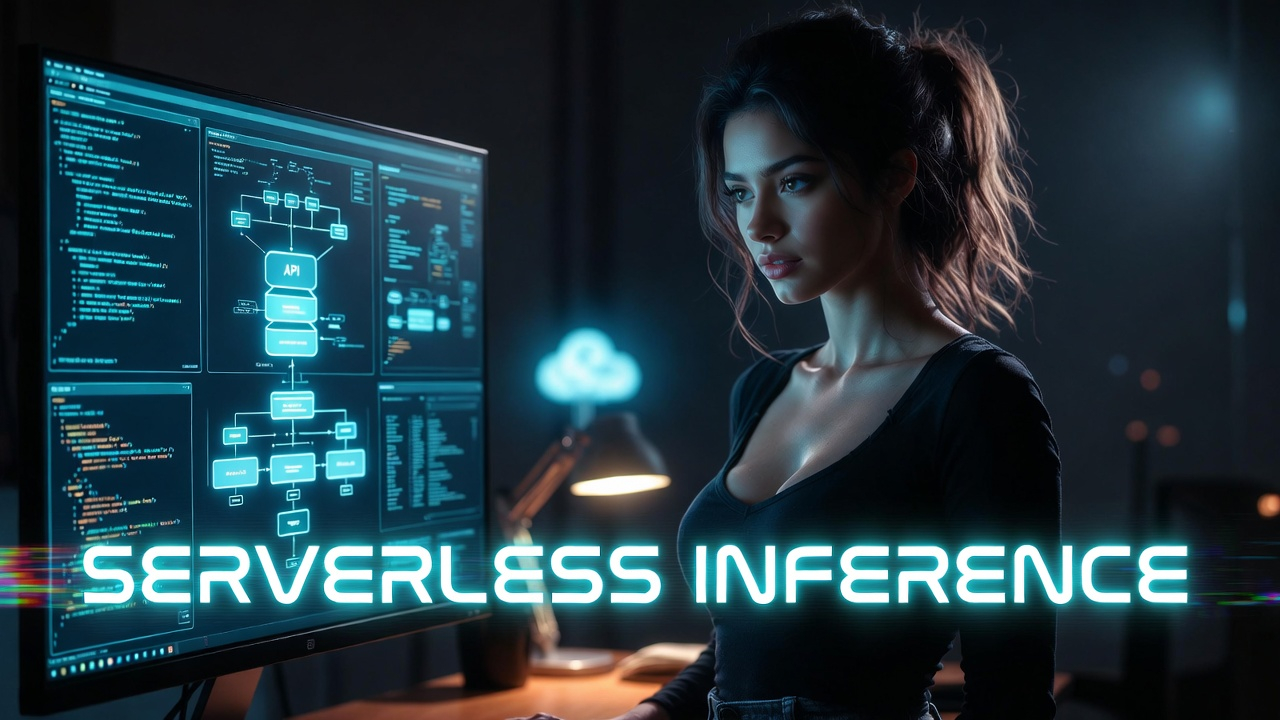
I run a production site called AutoDetective.ai that generates automotive diagnostic content using LLM inference. Until recently, the inference layer was wired directly to OpenAI's API. That worked fine, but DigitalOcean's Gradient AI Platform offered something I couldn't ignore: the same OpenAI-compatible API format, access to GPT-oss-120b (OpenAI's first serious open-weight model), and per-token pricing that starts at $0.10 per million input tokens.

The Vibe Coded SaaS
From idea to paying customers using AI coding. Real workflows, tool comparisons, failures, and wins. Practical guide for building SaaS with Claude Code.
Learn MoreI switched AutoDetective's entire inference backend to DigitalOcean Serverless Inference running GPT-oss-120b. This article walks through how I did it in a Node.js/Express stack, what the API actually looks like, and where this approach makes sense for production workloads.
What Is DigitalOcean Serverless Inference?
DigitalOcean's Gradient AI Platform includes a serverless inference tier that gives you direct API access to foundation models without provisioning any infrastructure. No GPU Droplets. No container orchestration. No scaling configuration. You get a model access key, point your HTTP requests at https://inference.do-ai.run/v1/, and you're running inference.
The API is OpenAI-compatible. That's the critical detail. If your application already calls /v1/chat/completions, you only need to change two things: the base URL and the API key. Your request payloads, response parsing, and streaming logic stay the same.
Available models span multiple providers: OpenAI (GPT-5, GPT-4o, GPT-oss-120b, GPT-oss-20b), Anthropic (Claude Opus 4.6, Claude Sonnet 4.6, Claude Haiku 4.5), Meta (Llama 3.3), Mistral, DeepSeek, and several others. You pick the model per request, not per deployment. That flexibility matters when you want different models for different tasks.
Why GPT-oss-120b?
GPT-oss-120b is OpenAI's first major open-weight release since GPT-2 in 2019. It ships under Apache 2.0, which means full commercial use with no licensing headaches. The model uses a mixture-of-experts architecture with 117 billion total parameters but only activates 5.1 billion per token. That efficiency is how it fits on a single 80GB GPU and still benchmarks near parity with OpenAI's o4-mini on core reasoning tasks.
For AutoDetective, I needed a model that could handle structured diagnostic content generation: parsing symptom descriptions, generating repair steps, and producing consistent JSON output for programmatic consumption. GPT-oss-120b handles this well, and the configurable reasoning effort levels (low, medium, high) let me tune the tradeoff between latency and depth per request.
On DigitalOcean's Serverless Inference, GPT-oss-120b runs at $0.10 per million input tokens and $0.70 per million output tokens. Compare that to GPT-5 at $1.25/$10.00 or Claude Opus 4.6 at $5.00/$25.00 on the same platform. For high-volume programmatic content generation, that cost difference is the whole ballgame.
Setting Up: Model Access Key
Before writing any code, you need a model access key from the DigitalOcean control panel:
- Navigate to the Gradient AI Platform in your DigitalOcean dashboard
- Click "Serverless Inference" in the sidebar
- Click "Create model access key"
- Name the key and copy the secret immediately (it's shown only once)
Store this key securely. It goes in your .env file, not in your source code.
DO_INFERENCE_KEY=your-model-access-key-here
Integrating with a Node.js/Express Application
Here's the practical part. My stack is Express.js with EJS templates and PostgreSQL. The inference call is a standard HTTPS POST to DigitalOcean's endpoint. No SDK required. No special packages. Just fetch (or your preferred HTTP client).
The Inference Utility
// utils/inference.js

require('dotenv').config();

const INFERENCE_URL = 'https://inference.do-ai.run/v1/chat/completions';
const MODEL_ACCESS_KEY = process.env.DO_INFERENCE_KEY;

/**
 * Calls DigitalOcean Serverless Inference with the given messages.
 * Uses the OpenAI-compatible chat completions endpoint.
 *
 * @param {Array} messages - Array of {role, content} message objects
 * @param {Object} options - Optional overrides for model, temperature, max_tokens
 * @returns {Object} - The parsed response from the model
 */
async function runInference(messages, options = {}) {
  const {
    model = 'openai-gpt-oss-120b',
    temperature = 0.7,
    max_tokens = 2048
  } = options;

  const response = await fetch(INFERENCE_URL, {
    method: 'POST',
    headers: {
      'Content-Type': 'application/json',
      'Authorization': `Bearer ${MODEL_ACCESS_KEY}`
    },
    body: JSON.stringify({
      model,
      messages,
      temperature,
      max_tokens
    })
  });

  if (!response.ok) {
    const errorBody = await response.text();
    throw new Error(
      `Inference request failed (${response.status}): ${errorBody}`
    );
  }

  const data = await response.json();
  return data.choices[0].message.content;
}

module.exports = { runInference };
Note the model ID format: openai-gpt-oss-120b. DigitalOcean prefixes model names with the provider. You can swap this to anthropic-claude-sonnet-4.6 or meta-llama-3.3-70b-instruct by changing a single string. Your request structure stays identical.
Using It in a Route
// routes/diagnose.js

const express = require('express');
const router = express.Router();
const { runInference } = require('../utils/inference');

router.post('/api/diagnose', async (req, res) => {
  const { vehicle, symptoms } = req.body;

  const messages = [
    {
      role: 'system',
      content: `You are an automotive diagnostic expert. Given a vehicle
        and symptoms, provide a structured diagnosis with likely causes,
        recommended repairs, and estimated severity. Respond in JSON format
        with keys: causes, repairs, severity, notes.`
    },
    {
      role: 'user',
      content: `Vehicle: ${vehicle}\nSymptoms: ${symptoms}`
    }
  ];

  try {
    const result = await runInference(messages, {
      temperature: 0.3,
      max_tokens: 1500
    });

    // Parse the JSON response from the model
    const diagnosis = JSON.parse(result);
    res.json({ success: true, diagnosis });
  } catch (err) {
    console.error('Inference error:', err.message);
    res.status(500).json({
      success: false,
      error: 'Diagnosis generation failed'
    });
  }
});

module.exports = router;
Lower temperature (0.3) gives more deterministic output, which is what you want when the model needs to return parseable JSON. For creative content generation, you'd push that up to 0.7 or higher.
Streaming Responses
If your use case needs real-time token streaming (chat interfaces, long-form generation where you want progressive display), the API supports it:
async function runInferenceStream(messages, onChunk, options = {}) {
  const {
    model = 'openai-gpt-oss-120b',
    temperature = 0.7,
    max_tokens = 2048
  } = options;

  const response = await fetch(INFERENCE_URL, {
    method: 'POST',
    headers: {
      'Content-Type': 'application/json',
      'Authorization': `Bearer ${MODEL_ACCESS_KEY}`
    },
    body: JSON.stringify({
      model,
      messages,
      temperature,
      max_tokens,
      stream: true
    })
  });

  if (!response.ok) {
    throw new Error(`Stream request failed (${response.status})`);
  }

  const reader = response.body.getReader();
  const decoder = new TextDecoder();
  let buffer = '';

  while (true) {
    const { done, value } = await reader.read();
    if (done) break;

    buffer += decoder.decode(value, { stream: true });
    const lines = buffer.split('\n');
    buffer = lines.pop();

    for (const line of lines) {
      if (line.startsWith('data: ') && line !== 'data: [DONE]') {
        try {
          const chunk = JSON.parse(line.slice(6));
          const content = chunk.choices[0]?.delta?.content;
          if (content) onChunk(content);
        } catch (e) {
          // Skip malformed chunks
        }
      }
    }
  }
}
This follows the standard Server-Sent Events format that OpenAI established. If you've written streaming code for OpenAI before, this is the same pattern.
Switching Models Without Changing Code
This is the real advantage of the OpenAI-compatible API format. Your inference utility accepts a model parameter, and every model on the platform uses the same request structure. Want to test whether Claude Sonnet 4.6 generates better diagnostic content than GPT-oss-120b? Change one string:
const result = await runInference(messages, {
  model: 'anthropic-claude-sonnet-4.6',
  temperature: 0.3
});
No new SDK. No new authentication flow. No different response parsing. This is the kind of flexibility that matters when you're iterating on model selection in production.
Pricing Comparison: Why This Matters for High-Volume Apps
For a site like AutoDetective that generates thousands of diagnostic pages programmatically, token costs are the dominant variable expense. Here's how the models stack up on DigitalOcean's Serverless Inference:
| Model | Input (per M tokens) | Output (per M tokens) |
|---|---|---|
| GPT-oss-120b | $0.10 | $0.70 |
| GPT-oss-20b | $0.05 | $0.45 |
| Llama 3.3 Instruct 70B | $0.65 | $0.65 |
| Llama 3.1 Instruct 8B | $0.198 | $0.198 |
| Claude Sonnet 4.6 | $3.00 | $15.00 |
| Claude Opus 4.6 | $5.00 | $25.00 |
| GPT-5 | $1.25 | $10.00 |
GPT-oss-120b at $0.10/$0.70 is remarkably cheap for a model that benchmarks near o4-mini. For batch content generation where you don't need multimodal input or the absolute frontier of reasoning capability, the economics are hard to argue with.
What I Learned Running This in Production
A few practical notes from running this on AutoDetective:
Latency is acceptable but not instant. Serverless inference has cold-start characteristics. The first request after a quiet period takes longer. For batch generation jobs this doesn't matter. For real-time user-facing chat, you'd want to benchmark against your latency requirements.
JSON output reliability varies. GPT-oss-120b generally follows structured output instructions, but you still need defensive parsing. Always wrap JSON.parse() in a try/catch and have a retry strategy. Setting the temperature low (0.2-0.3) and being explicit in your system prompt about the expected schema helps significantly.
No sessions. Serverless inference is stateless. Every request must include the full conversation context in the messages array. For single-turn generation tasks like mine, that's fine. For multi-turn conversations, you need to manage conversation history in your application layer.
Rate limits exist. DigitalOcean applies rate limits to serverless inference requests. For bulk generation, build in backoff logic and consider queuing jobs through something like Bull or a simple PostgreSQL-backed queue.
When to Use This (and When Not To)
DigitalOcean Serverless Inference with GPT-oss-120b is a strong fit for:
Programmatic content generation. Sites that generate pages at scale from templates and structured data. The low per-token cost and OpenAI-compatible API make integration straightforward.
Backend AI features in existing DigitalOcean stacks. If your app already runs on DigitalOcean Droplets, adding inference through the same platform means unified billing, no cross-provider networking, and one fewer vendor relationship.
Model evaluation and A/B testing. The ability to switch models per-request through the same API makes it trivial to compare model quality across your actual production workload.
It's less ideal for:
Latency-critical real-time applications where every millisecond counts. A dedicated inference deployment (GPU Droplet or bare metal) gives you more control over cold starts and response times.
Workloads that need fine-tuned models. Serverless inference runs the base models as-is. If you need a fine-tuned variant, you'll need to self-host.
The Integration Took an Afternoon
That's the honest summary. Switching from direct OpenAI API calls to DigitalOcean Serverless Inference was a base URL change, a key swap, and a model ID update. The OpenAI-compatible API format means your existing request/response handling code transfers directly. The GPT-oss-120b model handles structured content generation tasks at a fraction of the cost of proprietary models. And running inference through the same platform that hosts your application simplifies the operational picture.
If you're already building on DigitalOcean and you're paying OpenAI or Anthropic directly for inference that doesn't need frontier-model capabilities, this is worth testing. Start with a single endpoint, compare the output quality against your current model, and let the token economics speak for themselves.