Best Paid AI Subscriptions in 2026: What's Actually Worth Your Money
I pay for four AI subscriptions and tested nine more. Here's which ones earn their monthly fee and which ones you can skip.
Most "best AI subscription" articles list every provider alphabetically and call it a comparison. That's a feature list, not advice. After running multiple AI subscriptions simultaneously for over a year and using them for real production work (writing, coding, research, content analysis), here's where the money is actually well spent.
The Quick Verdict
If you're in a hurry, here's the answer: ChatGPT Plus and Claude Pro are the two subscriptions most people should evaluate first. Everything else is situational. The rest of this article explains why, and who the exceptions are for.
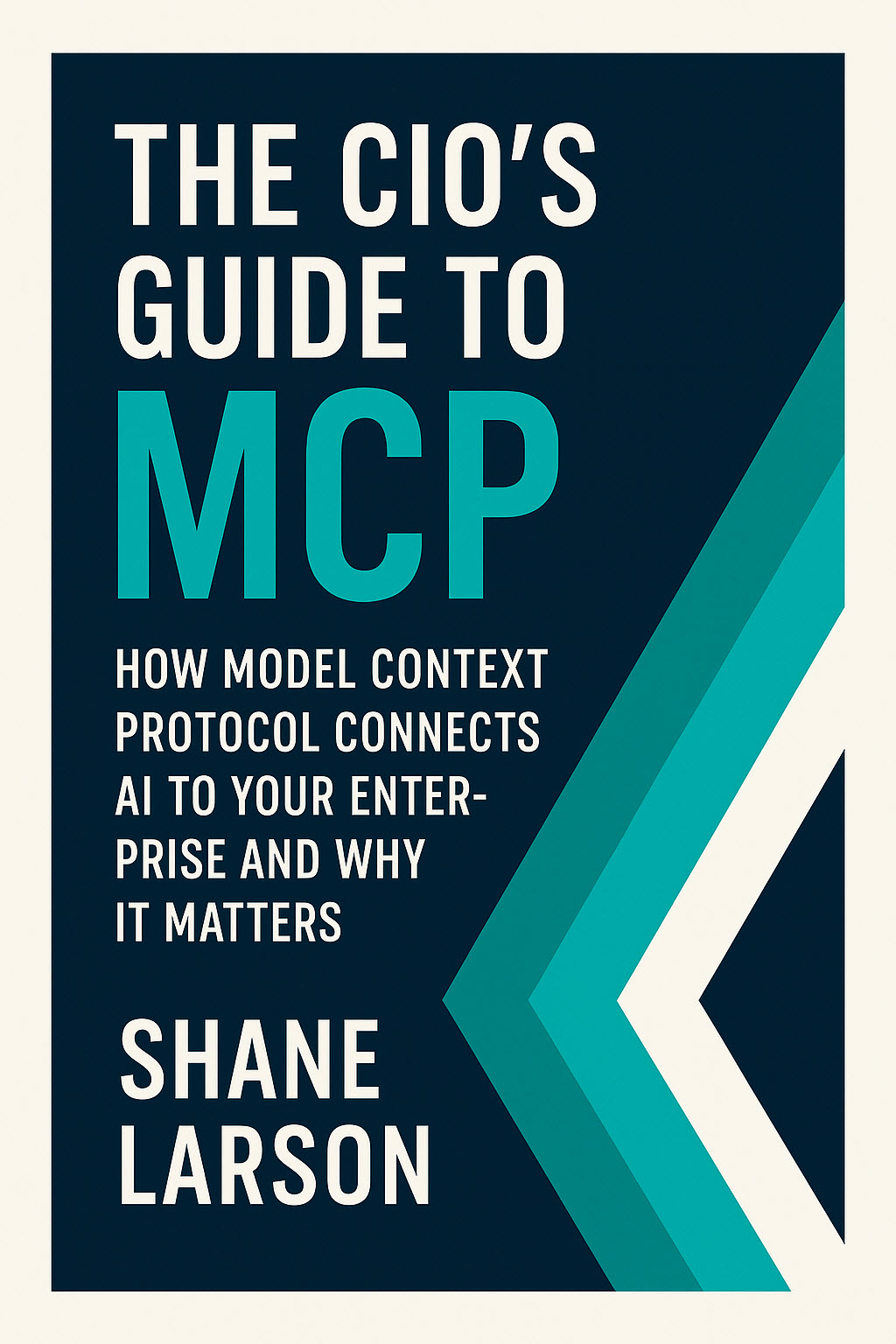
The CIOs Guide to MCP: How Model Context Protocol Connects AI to Your Enterprise and Why It Matters
Stop building custom AI integrations. MCP is the universal standard adopted by Anthropic, OpenAI, Google, Microsoft. CIO guide to enterprise adoption.
Learn MoreChatGPT Plus: $20/Month
Best for: General-purpose AI work, multimodal tasks, broadest feature set
ChatGPT Plus remains the default recommendation for a reason. GPT-5 access, DALL-E image generation, advanced voice mode, code interpreter, web browsing, file uploads, and a context window large enough to process entire codebases in a single conversation. No other single subscription covers this much ground.
The strength is versatility. Need to analyze a spreadsheet, generate an image for a presentation, debug a Python script, and draft an email? One subscription handles all of it without switching tools. For most people who need one AI subscription and want it to do everything acceptably well, this is still the answer.
The weakness is depth. ChatGPT Plus is good at many things and exceptional at few. If your primary use case is long-document analysis, Claude is better. If you need cited research, Perplexity is better. If you want the cheapest path to a premium model, Mistral is cheaper.
Worth it if: You need one subscription to cover diverse use cases. Skip it if: You have a specific, narrow use case that another tool handles better.
Claude Pro: $20/Month
Best for: Long-form reasoning, document analysis, coding, and nuanced writing
Claude has carved out a distinct position in the AI landscape. Where ChatGPT optimizes for breadth, Claude optimizes for depth. The extended context window handles massive documents without losing coherence. The reasoning quality on complex, multi-step problems is consistently strong. And for writing tasks that require tone sensitivity and nuance, Claude produces output that needs less editing.
For developers specifically, Claude has become a serious contender. Claude Code (the command-line tool) integrates directly into development workflows, and the quality of code generation, refactoring suggestions, and bug analysis is competitive with or ahead of GPT-5 for many languages.
The weakness is the ecosystem. No image generation. No native voice mode comparable to ChatGPT's. The web browsing capabilities exist but aren't as polished. If you need a Swiss Army knife, Claude is more of a scalpel.
Worth it if: Your primary work involves writing, coding, document analysis, or complex reasoning. Skip it if: You need image generation or voice interaction as core features.
Mistral Le Chat Pro: $14.99/Month
Best for: Budget-conscious users, privacy-first workflows, European data residency
Mistral undercuts every major competitor by $5+ per month and delivers a genuinely capable premium experience. The No Telemetry Mode (your prompts are never used for training) is a real privacy guarantee, not marketing. For anyone handling sensitive client data, legal documents, or proprietary code, this matters.
Mistral Large is a strong model. It won't consistently beat GPT-5 or Claude's latest on benchmarks, but for the vast majority of everyday tasks (drafting, analysis, coding assistance, brainstorming), the gap is negligible. You're paying 25% less for a model that handles 90% of use cases comparably.
The limitation is feature set. No image generation, no voice mode, limited plugin ecosystem. Mistral is a text-focused product, and it does text well. But if you need the bells and whistles, you'll need a second subscription.
Worth it if: You want premium AI at the lowest price, or privacy/data residency is a hard requirement. Skip it if: You need multimodal features (images, voice, plugins).
Google Gemini Advanced: $19.99/Month
Best for: Google Workspace users, multimodal tasks within the Google ecosystem
If your workflow already lives inside Google (Docs, Sheets, Gmail, Drive), Gemini Advanced makes a compelling case. The integration is seamless: AI assistance directly inside the tools you're already using, without copy-pasting between a chat window and your documents.
Gemini's models have improved dramatically. The reasoning and coding capabilities are now competitive, and the multimodal abilities (image understanding, video analysis) are strong. Google's access to real-time information through Search integration is a genuine advantage for queries that need current data.
The downside is that Gemini feels best inside Google's ecosystem. If you don't use Google Workspace heavily, much of the value proposition evaporates. The standalone Gemini chat experience, while solid, isn't as polished as ChatGPT or Claude for pure conversational AI work.
Worth it if: You live in Google Workspace and want AI embedded in your existing tools. Skip it if: You use other productivity suites or want a standalone AI chat experience.
Perplexity Pro: $20/Month
Best for: Research, fact-checking, cited answers
Perplexity occupies a unique position. It's not really competing with ChatGPT or Claude as a general-purpose AI assistant. It's competing with Google Search as a research tool, and in that framing, it's winning.
Every answer comes with citations. You can see exactly where the information came from and verify it yourself. For research-heavy workflows (journalism, academic work, competitive analysis, market research), this transparency is invaluable. The Pro tier gives unlimited searches and access to multiple AI models.
The limitation is obvious: Perplexity is a research tool, not a creation tool. It's not good at writing long-form content, generating code, or creative tasks. If you need those capabilities, Perplexity is a supplement, not a replacement.
Worth it if: Research and fact-checking are central to your work. Skip it if: You primarily need AI for creation (writing, coding, design).
Cursor Pro: $20/Month
Best for: Developers who want AI deeply embedded in their code editor
Cursor takes a fundamentally different approach from chat-based AI. Instead of talking to an AI in a browser tab, you're working with an AI that understands your entire codebase. It's built on VS Code, so the transition is painless, and the AI assistance (completions, refactoring, explaining code, writing tests) operates directly in your editing context.
For professional developers, Cursor has become hard to live without. The quality of code suggestions when the AI has your full project context is significantly better than copying snippets into a chat window. The tab-completion flow alone saves enough time to justify the subscription within the first week.
The limitation: Cursor is a coding tool. It doesn't help with writing, research, or any non-development task. It's also separate from your chat AI subscription, which means developers often end up paying for both Cursor and Claude/ChatGPT.
Worth it if: You write code professionally and want the best AI-assisted development experience. Skip it if: You're not a developer, or your coding needs are occasional.
The Subscriptions You Can Probably Skip
Jasper AI ($49+/month): Unless you're running an agency that produces high-volume marketing copy, the premium over ChatGPT or Claude isn't justified. The brand voice training is nice, but you can achieve similar results with good prompting on cheaper platforms.
AI aggregator platforms ($10-30/month): Services that bundle access to multiple AI models in one interface sound appealing, but in practice, you're getting API-level access without the polished interfaces of the native apps. For most users, a direct subscription to one or two providers delivers a better experience.
Specialized writing tools ($15-30/month): If your only AI need is writing assistance, Claude Pro or ChatGPT Plus covers it. Dedicated writing AI tools mostly wrap the same underlying models with a specialized interface. The premium isn't worth it unless the workflow automation features specifically match your production process.
My Recommended Stacks
If you buy one subscription: ChatGPT Plus for maximum versatility, or Claude Pro if your work is primarily text-based (writing, coding, analysis).
If you buy two subscriptions ($40/month): Claude Pro + Perplexity Pro. Claude handles creation, Perplexity handles research. This combination covers more ground than any single subscription.
For developers ($40/month): Cursor Pro + Claude Pro. Cursor for in-editor coding, Claude for architecture discussions, debugging complex issues, and all non-coding tasks.
Budget option ($14.99/month): Mistral Le Chat Pro. You sacrifice some features and model quality, but you get a premium AI experience at the lowest price from any major provider.
How to Decide
The AI subscription market wants you to believe you need multiple tools. For most people, one subscription is enough if you pick the right one. Start with these questions:
What do you use AI for most? If the answer is "a little of everything," ChatGPT Plus is the safe bet. If you can name a specific primary use case, match it to the provider that excels at that task.
How much do you value privacy? If you need contractual assurance that your data isn't training models, Mistral's No Telemetry Mode or an Enterprise-tier plan from another provider is the way to go.
Are you a developer? If yes, evaluate Cursor before any chat-based subscription. The in-editor experience is a fundamentally different (and better) workflow for coding tasks.
What's your budget ceiling? At $20/month, you have strong options from every major provider. At $15/month, Mistral is the clear winner. At $40/month, you can build a powerful two-tool stack. Beyond that, you're likely over-subscribing.
The AI subscription market will continue to converge on features. The providers that started with text are adding images. The ones that started with images are adding text. Within a year, the feature gaps between major providers will be smaller than they are today. Pick based on what works for your workflow right now, and don't lock into annual plans if you can avoid it.